
E-commerce : 7 astuces pour bien communiquer pour les French Days 2024
Événement incontournable en e-commerce, les French Days 2024 arrivent à grand pas. En tant qu'e-commerçant, il est indispensable de bien préparer sa stratégie marketing pour bien communiquer pour les French Days.
Dans un précédent billet, nous vous expliquions comment se préparer pour les French Days 2024 et optimiser sa boutique en ligne pour réussir cet événement et booster vos ventes. Cette fois, nous vous livrons quelques conseils pour communiquer efficacement pour les French Days.
Site e-commerce, réseaux sociaux, publicité, découvrez nos 7 astuces pour bien communiquer pour les French Days 2024.

E-commerçants, préparez-vous pour réussir les French Days 2024
E-commerçants, il est temps de se préparer pour réussir les French Days 2024 ! Cet événement e-commerce est incontournable pour les e-commerçants. Il s'agit d'une période de promotions, où l'idée est d'inciter le consommateur à l'achat en ligne avec des remises exceptionnelles sur une durée limitée.
Il est donc nécessaire de bien se préparer et optimiser sa boutique en ligne pour booster ses ventes durant les French Days. Et ainsi mettre toutes les chances de votre côté pour réussir cet événement incontournable. Pour cela, découvrez nos 7 conseils pour préparer son site e-commerce pour réussir les French Days 2024.

De 2004 à 2024 : l'épopée visuelle du manager e-monsite en images
Aujourd'hui, nous plongeons dans une rétrospective visuelle captivante des 20 dernières années d'e-monsite, le pionnier de la création de sites web. Explorez avec nous l'évolution du manager e-monsite, au coeur de la création de site, alors qu'il se métamorphose pour répondre aux besoins de ses utilisateurs.
Découvrez comment cette interface emblématique a évolué durant ces deux dernières décennies pour façonner l'expérience de gestion de site pour des milliers d'utilisateurs.

Plongée dans le temps : 20 ans d'e-monsite en images
Préparez-vous à un voyage dans le temps aussi captivant que l'évolution d'e-monsite elle-même ! En 2004, un outil extraordinaire a émergé dans le monde du web : e-monsite est né ! Depuis lors, cet outil de création de sites a constamment évolué, s'adaptant aux tendances, aux technologies et aux besoins de ses utilisateurs.
Aujourd'hui, alors que nous célébrons ses 20 ans, prenons un moment pour revenir en arrière et plonger dans les archives visuelles pour découvrir comment cette plateforme emblématique a évolué graphiquement au fil de ses 20 années d'existence.

La saga e-monsite : retour sur 20 ans de création de site
Depuis deux décennies, E-monsite a façonné le paysage numérique en permettant à des milliers d'entrepreneurs, créatifs et passionnés de concrétiser leur projet de créer un site. Alors que nous célébrons les 20 ans d'e-monsite cette année, c'est l'occasion de prendre de la hauteur avec une rétrospective pour retracer l'histoire d'e-monsite, de 2004 à aujourd'hui. Plongeons dans l'épopée de notre logiciel de création de sites web, découvrant comment nous sommes passé d'une simple idée à une plateforme puissante et révolutionnaire.
Et non, ce n'est pas une blague. E-monsite a 20 ans, déjà.
Ce mois-ci, votre outil de création de site préféré soufflera ses 20 bougies. Et pour l'occasion, on vous convie à célébrer cet anniversaire avec nous, avec au menu tout un tas de surprises.

Intégrer des images de la banque d'images Pexels sur votre site
Nous avons une toute nouvelle fonctionnalité qui va révolutionner la manière de créer un site web : l'intégration facile d'images via la banque d'images Pexels, directement depuis le manager d'E-monsite.
Désormais vous pouvez donner une touche d'originalité à votre site web sans vous soucier des droits d'auteur avec l'intégration de la banque d'images Pexels. Pour accéder à des milliers d'images gratuites et libres de droits, le tout sans quitter votre plateforme de création de site préférée.

Les meilleurs conseils pour une stratégie marketing efficace pour la St Valentin 2024
La St Valentin approche à grand pas, il est temps de mettre en place votre stratégie marketing pour cet événement incontournable. En effet, la St Valentin est une fête très largement célébrée dans le monde, où les amoureux ont coutume d'acheter un cadeau à leur partenaire. Après les fêtes de fin d'année, ce temps fort pour les e-commerçants est un moyen de booster ses ventes et son chiffre d'affaires. Profitez de la fête des amoureux pour dynamiser votre activité.
Avec des actions marketing bien pensées, démarquez vous de la concurrence et mettez toutes les chances de votre côté pour faire de cette fête une réussite pour votre entreprise. Réseaux sociaux, stratégie emailing, campagnes publicitaires, toutes les opportunités marketing sont bonnes à prendre pour booster votre visibilité. Le but est de promouvoir vos produits pour la St Valentin et d'attirer vos prospects et vos clients sur votre site de façon à les accompagner et les convaincre d'acheter.
Nous avons rédigé pour vous des conseils et astuces pour votre stratégie marketing spéciale St Valentin afin de ne pas louper ce temps fort et assurer un pic des ventes pour votre mois de Février.

Nos meilleures astuces pour exploser vos ventes e-commerce à la St Valentin en 2024
La St Valentin est un événement incontournable chez les e-commerçants. En effet, il s'agit d'un événement permettant de booster les ventes sur son site e-commerce. Les consommateurs sont nombreux à célébrer cet événement et surtout prêt à dépenser à cette occasion. Il est donc primordial de tirer profit de cet événement phare, pour augmenter les ventes de sa boutique en ligne et son chiffre d'affaires.
Pour ne pas louper ce temps fort, vous devez tout mettre en oeuvre pour faire vivre une expérience utilisateur réussie sur votre site e-commerce à l'occasion de la fête des amoureux. Intégrez des solutions efficaces pour augmenter vos ventes en ligne. Design, navigation, mise en avant de produits, offre spéciale, tout doit être pensé pour une expérience utilisateur réussie. Le but de guider le consommateur dans sa décision à l'achat et de l'inciter à acheter sur votre site marchand.
Découvrez nos astuces pour exploser vos ventes e-commerce à la St Valentin.

Mise à jour des services et tarifs e-monsite
Nous tenons à vous informer que, suite à une réflexion approfondie et dans le souci constant d'améliorer nos services, nous avons décidé d'ajuster légèrement les tarifs de nos offres de création de site. Cette mise à jour tarifaire sera effective dès le 1er février 2024.

Téléchargez votre calendrier marketing 2024
E-monsite vous propose un calendrier marketing 2024 pour connaître les événements à ne pas rater cette année !
Pour votre activité e-commerce ou pour votre communication, restez informés des prochains événements en rapport avec votre activité sur lesquels vous pourrez communiquer et/ou proposer des offres spéciales. Découvrez les dates des événements à venir pour cette nouvelle année, pour préparer vos campagnes marketing.
Pour découvrir et préparer les événements de l'année 2024, téléchargez vite votre calendrier marketing 2024.

Nos conseils pour préparer et réussir les soldes d'hiver 2024 sur votre boutique en ligne
Nous sommes maintenant à quelques jours des soldes d'hiver 2024, événement crucial attendus par les e-commerçants. Cette année plus que jamais, il est indispensable de bien préparer sa boutique en ligne, pour réussir ses soldes d'hiver 2024 sur votre boutique en ligne.
Le e-commerce va être cette année au coeur de toutes les attentions. Autant dire qu'il n'est pas question de louper cette période pour booster ses ventes et bien démarrer cette nouvelle année.
À peine les fêtes de fin d'année terminées, il est temps de se concentrer sur cette nouvelle année et les soldes d'hiver. Voici donc quelques conseils et astuces pour préparer réussir ses soldes d’hiver 2024 sur Internet.

7 astuces e-commerce pour réussir ses ventes de Noël 2023
La période des fêtes de fin d'année est cruciale pour les e-commerçants. C'est durant cette période de l'année où vous réalisez la plus grosse partie de votre chiffre d'affaires. Autant dire qu'il faut être bien préparé pour réussir ses ventes de Noël.
Site e-commerce, stratégie marketing, service client, tout doit être minutieusement préparé pour réussir la fin d'année et booster ses ventes e-commerce. Découvrez nos 7 astuces e-commerce pour réussir ses ventes de Noël 2023.
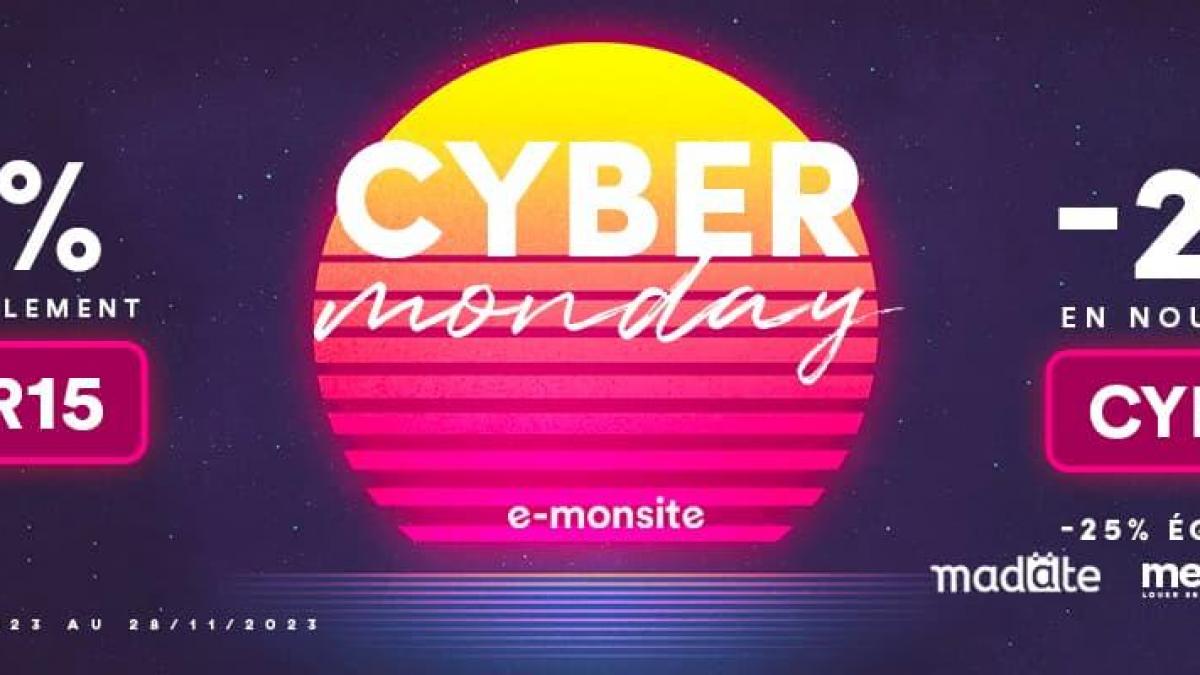
Transformez votre site web avec nos offres exclusives pour le Cyber Monday !
Après un Black Friday exceptionnel, nous vous avons également réservé des offres exclusives pour le Cyber Monday pour stimuler votre créativité en ligne. Que vous soyez un utilisateur existant ou que vous envisagiez de créer votre site web, c'est le moment idéal pour donner vie à vos idées avec des réductions exceptionnelles.
Mais aussi des offres exclusives sur nos outils e-confiance, Madate et Mesresa, conçus pour simplifier la collecte d'avis, la prise de rendez-vous en ligne et la gestion de location saisonnière.
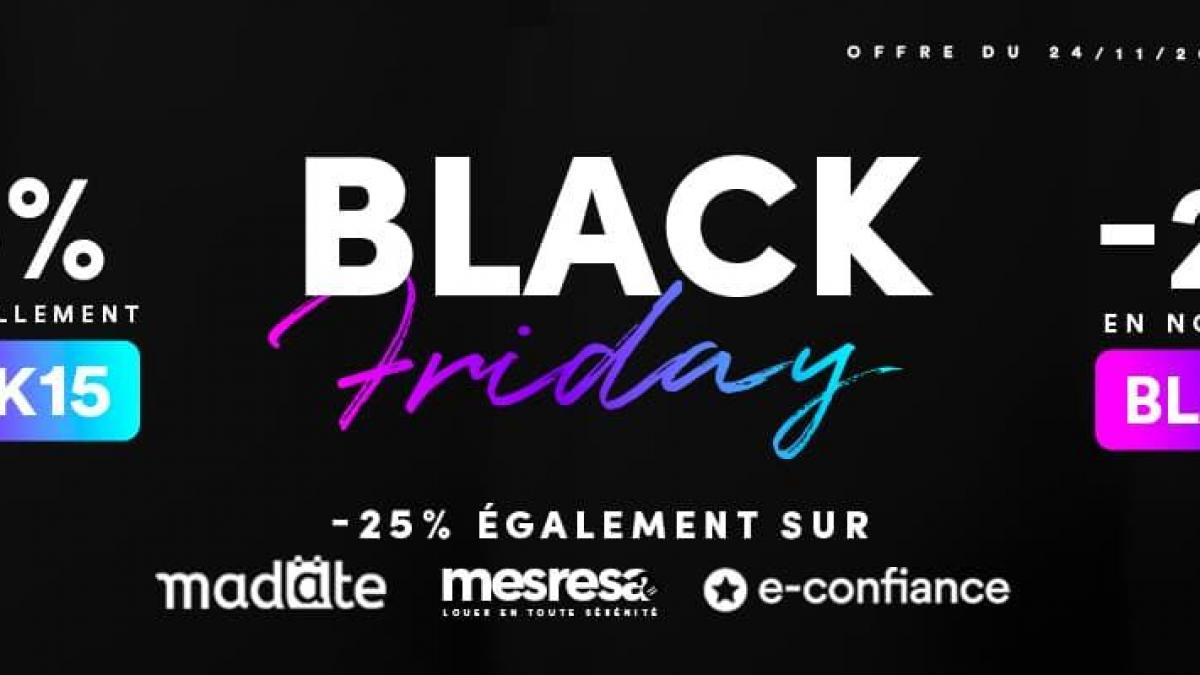
Boostez votre site web et votre activité avec nos offres exclusives pour le Black Friday !
C'est le moment tant attendu de l'année, le Black Friday, et nous sommes ravis de vous présenter des offres exclusives qui dynamiseront votre expérience de création de site web ! Que vous soyez déjà un utilisateur fidèle ou que vous envisagiez de créer votre site, ne manquez pas ces promotions exceptionnelles.
Mais aussi nos offres exceptionnelles sur nos solutions e-confiance, Madate et Mesresa. Que vous cherchiez à améliorer la gestion de vos avis clients, à simplifier la prise de rendez-vous en ligne ou à optimiser la gestion de vos locations saisonnières, nous avons des réductions exclusives pour vous.

7 idées marketing pour booster ses ventes pour le Black Friday 2023
Maintenant que votre site web ou votre site e-commerce est prêt pour le Black Friday 2023, il est temps de penser à votre stratégie marketing. Car pour booster vos ventes, les consommateurs doivent être au courant que vous participez à cet événement commercial.
Pour ne rater LE temps fort e-commerce de l'année, il est indispensable de bien préparer ses campagnes marketing. Incontournable pour les commerçants et e-commerçants, le Black Friday permet de dynamiser ses ventes.
Il s'agit de l'occasion idéale pour faire connaître votre marque et maximiser vos revenus. Voici 7 idées marketing pour booster ses ventes pour le Black Friday 2023.
10 conseils pour préparer et réussir le Black Friday 2023 sur sa boutique en ligne
Le Black Friday 2023 c'est LE temps fort à ne pas rater pour booster ses ventes. En tant qu'e-commerçant, il est indispensable de bien préparer votre boutique en ligne pour réussir cet événement commercial incontournable.
Le Black Friday est désormais l'événement le plus important de l'année en e-commerce. Cette journée de promotions massive permet aux consommateurs de commencer leurs achats de Noël. Et ainsi trouver des cadeaux tout en faisant des bonnes affaires.
Pour les e-commerçants, il s'agit de l'occasion idéale pour élargir votre clientèle et accroître vos ventes. Pour tirer profit de cet événement e-commerce, on vous livre nos 10 conseils pour préparer et réussir le Black Friday 2023 sur sa boutique en ligne.